
Set your default comment tab
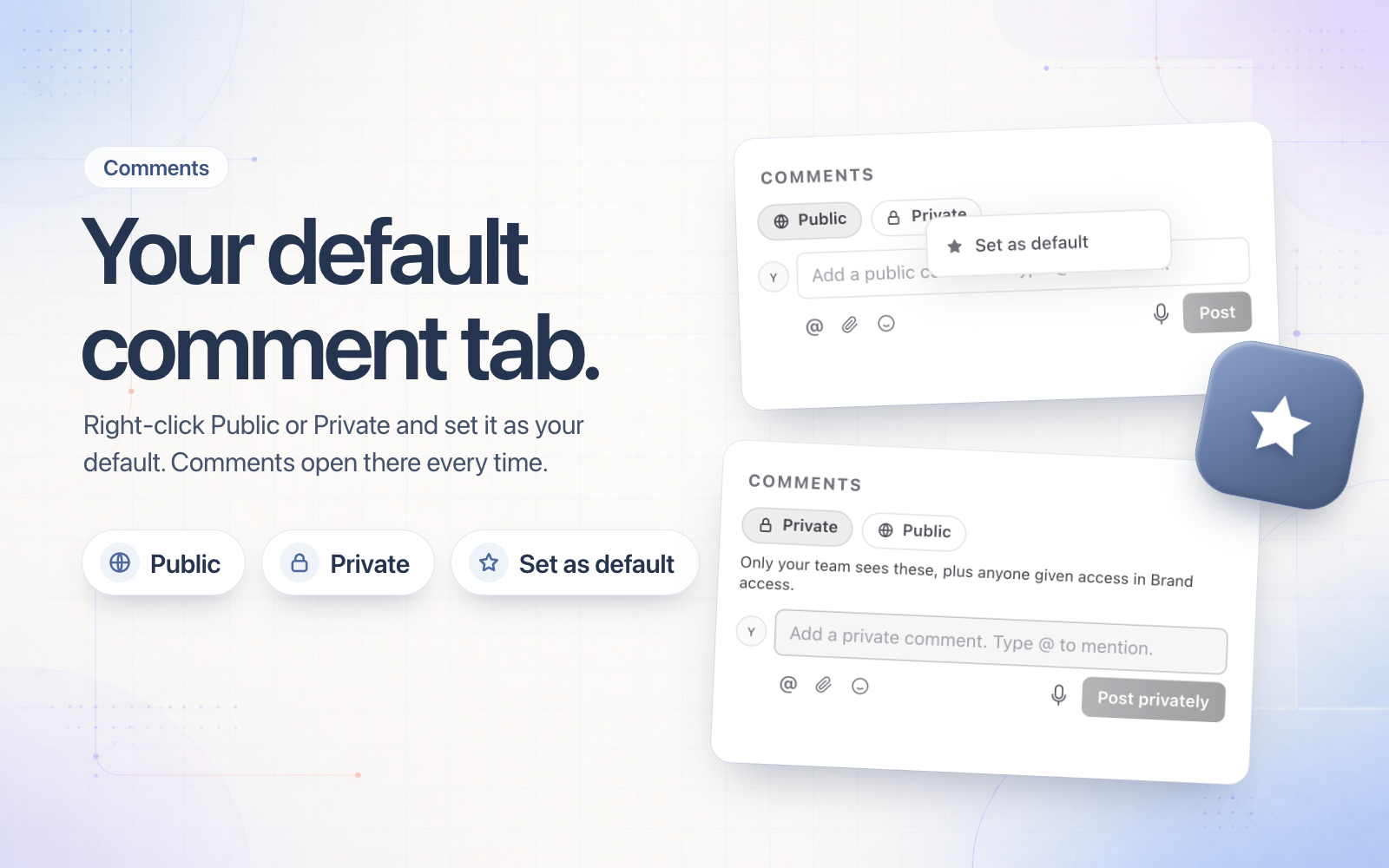
You can now choose which comment tab opens first. Right-click the Public or Private tab above a post's comments and select Set as default. In the iOS app, press and hold the tab instead.
Your default tab moves to the front, and every comment panel opens on it, so new comments start there. If most of your comments are team notes, set Private and stop switching tabs before you type. The choice is saved to your account, so it follows you across devices and only changes your own view.